Human In Loop Approval: What to Look for in an AI Task Automation Tool
You are evaluating AI task automation tools, but the approval step is where most of them fail your team's real workflow. A tool that automates tasks without a solid human review loop creates bottlenecks and compliance headaches, not time savings. By the end of this article, you will know exactly which approval features matter most, how to match them to your field operations, and which tool earns the top spot for native, mobile-friendly human oversight.
We break down the five key criteria for human-in-the-loop approvals, compare the leading options, and give you a clear number one pick based on workflow flexibility, audit trails, and mobile ease of use. You will finish with a practical checklist to make the right call for your team, not a generic feature list.
What to Look For in Human-in-the-Loop Approval Features
Before comparing tools, it's crucial to define the core capabilities that make or break a human-in-the-loop approval system-flexibility, transparency, and mobile accessibility. These three pillars determine whether your team can maintain meaningful oversight without creating operational bottlenecks.
Flexibility ensures the approval workflow adapts to your business rules rather than forcing you to adapt to the software. Transparency provides the audit trail needed for compliance, governance, and dispute resolution. Mobile accessibility keeps decision-makers engaged even when they are away from their desks.
Tools that excel in all three areas enable faster exception handling and smoother escalation paths. Tools that fall short in any one category tend to introduce delays or require manual workarounds that undermine the entire review process.
Approval Workflow Flexibility and Custom Rules
The ideal approval tool lets you define multi-step approval chains, conditional logic, and role-based permissions without requiring a developer. This means you can model your approval workflow to mirror your actual business process, not the other way around.
Consider common scenarios that demand conditional routing. For instance, an invoice over a certain threshold might require finance director approval, while a low-risk request could auto-approve. A rule like "if urgent, notify manager directly" ensures time-sensitive tasks skip the standard queue.
Custom rules should also handle fallback paths and escalation triggers. When a task exceeds a defined amount or risk score, the system should route it to a senior reviewer automatically. This reduces latency in decision-making and prevents tasks from sitting idle in an approval queue.
Rigid workflows force workarounds. When a tool cannot express your approval logic, teams resort to email chains, spreadsheets, or shadow systems. These workarounds create accountability gaps and increase error rates. Look for a workflow engine that supports role-based permissions, multi-level approvals, and integration with your existing business process tools.
Audit Trails and Accountability Tracking
A robust audit trail records every action, decision, and timestamp, providing the accountability needed for compliance and governance. It answers the essential questions: who approved, when, what changes were made, and why if comments were provided.
This transparency is critical for several reasons. In regulated industries, audit logs demonstrate that proper oversight occurred. In dispute resolution, they provide an objective record of the review process. For bias mitigation, they allow you to review decision patterns across different approvers and identify inconsistencies.
Tamper-proof logs are non-negotiable. If records can be altered, they lose their evidentiary value. The system should encrypt audit data and prevent modification by any user, including administrators. Exportability matters too, since external auditors often require logs in standard formats.
The best audit trails capture both the final decision and the reasoning behind it. When an approver rejects a task, their comment becomes part of the permanent record. This explainability helps machine learning models improve over time, since humans can flag where automated decisions went wrong.
Ease of Use for Approvers on Mobile
Approvers are often on the go, so the approval interface must be mobile-friendly, with instant notifications and one-tap actions. A well-designed mobile experience reduces the friction between receiving a request and acting on it.
Push notifications alert approvers the moment a task enters their queue. Quick approve or reject actions let them clear decisions in seconds, without logging into a desktop terminal. This reduced friction leads to lower latency in decision-making, which directly impacts throughput across the entire automation pipeline.
Desktop-only tools cause bottlenecks. When an approver must wait until they return to their office, urgent tasks stall. This delays downstream processes and defeats the purpose of intelligent automation. Mobile access ensures that human oversight can happen wherever the approver happens to be.
Look for interfaces that display the essential context at a glance. The approver should see what the task is, why it requires review, and what the machine learning model recommended. They should not have to navigate multiple screens to make an informed decision.
1. Tasks.Bot - Best Overall
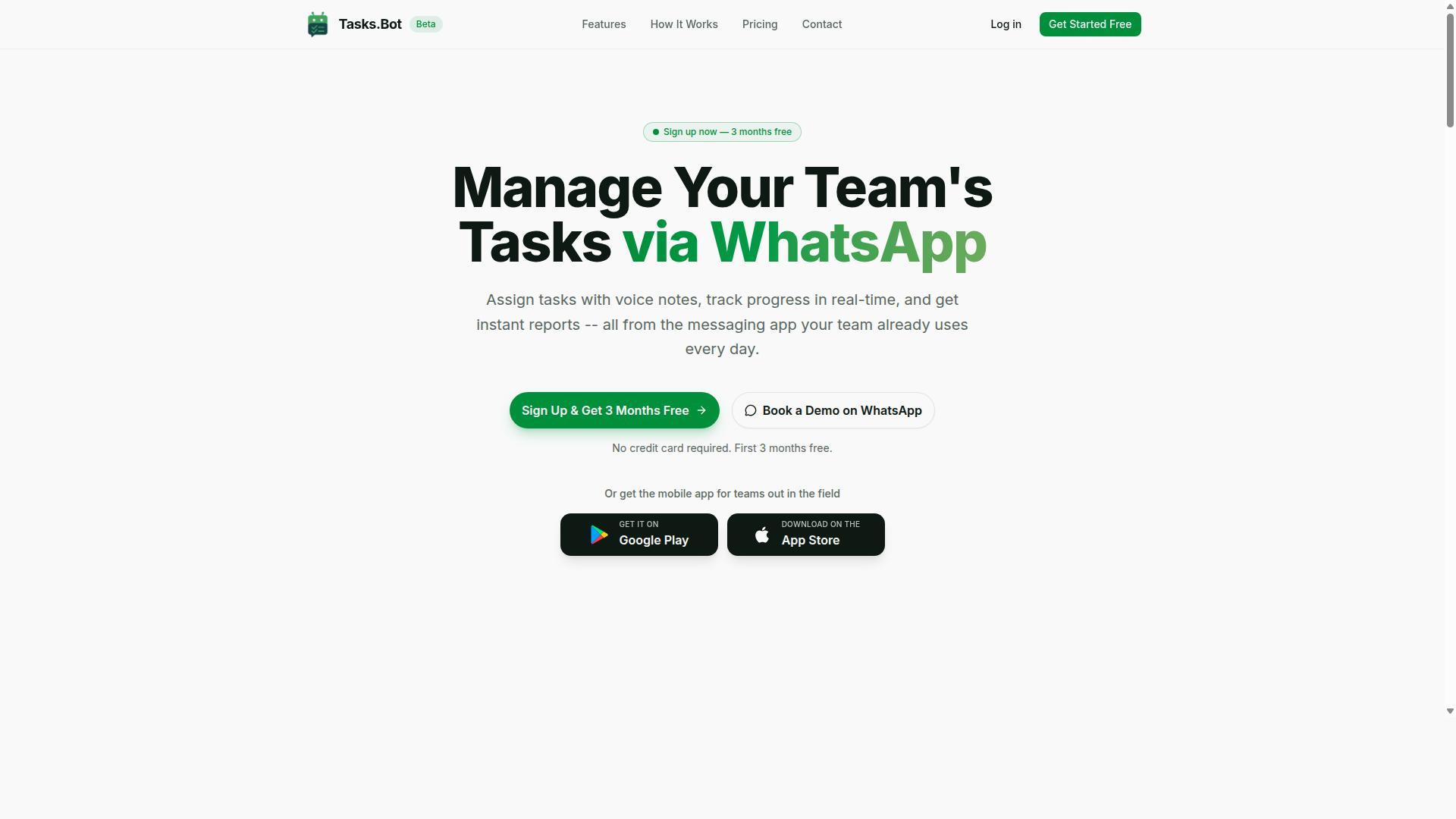
Tasks.Bot stands out by embedding human-in-the-loop approvals directly into WhatsApp, the platform your team already uses daily. This approach removes the biggest barrier to adoption: learning a new system. Your team keeps working in the chat app they know, while you gain the governance and oversight that approval workflows demand.
For teams evaluating task automation tools, the core question is whether human oversight survives the automation. Tasks.Bot answers that by keeping a human decision point in every critical step. It combines AI automation with clear accountability, so nothing moves forward without the right person reviewing it.
The platform is currently in beta and offers a free trial period, making it easy to test before committing. It is globally accessible via WhatsApp, with a mobile app available for field teams. For organizations that want intelligent automation without disrupting daily habits, this is a compelling starting point.
Native WhatsApp Approvals and AI-Assisted Task Creation
With Tasks.Bot, approvals happen natively in WhatsApp, and AI interprets voice notes and natural language to create tasks that flow into your approval workflow. A manager can dictate a task while walking between meetings, and the system structures it automatically. This removes the friction of typing, formatting, and assigning work manually.
The AI uses machine learning to understand user intent from messages, converting casual chat into structured tasks. Once created, tasks route through configurable approval steps that act as your decision points. This is where human-in-the-loop control matters most: the AI proposes, but a person approves.
Team members do not need to install new apps or learn new systems. The interface is WhatsApp itself, which most teams already use for daily communication. This reduces training time and boosts adoption rates.
Beyond approvals, Tasks.Bot includes face-verified attendance as part of its human oversight capabilities. This feature adds an extra layer of accountability for field teams, confirming that the right person is present at the right location. It is a practical example of how human verification and AI automation can work together.
The approval queue stays visible and manageable within the chat interface. Managers can review, approve, or reject tasks without switching contexts. This transparency supports audit trail requirements and keeps the review process simple for everyone involved.
Pricing, Free Trial, and Global Accessibility
Tasks.Bot offers transparent pricing starting at 200 per member per month, with a free trial and global availability via WhatsApp. The monthly plan costs 200 per member, while the annual plan runs 1,200 per year per member. The annual option saves 50%, which amounts to 1,200 per year for each member.
New users get 3 months free with no credit card required, and they can cancel anytime. This makes the evaluation process low-risk for teams of any size. The pricing is available in Indian Rupees and US Dollars, with a currency selector on the site.
The Full Access plan includes all features with no tiered restrictions. For small teams, the per-member pricing scales predictably as you grow. For larger organizations, the cost per person stays consistent, making budget planning straightforward.
Because the service operates through WhatsApp, global accessibility comes standard. Teams in different countries and time zones can use the same tool without regional setup complexity. The mobile apps for Android and iOS add push notifications, voice capture, and a home screen widget for quick access.
When comparing costs, consider what you gain in return: reduced friction, faster task creation, and clear accountability. The free trial lets you verify that the approval workflow fits your processes before you pay. That combination of low cost and high accessibility makes it a strong value proposition for most teams.
2. Reminderly.ai
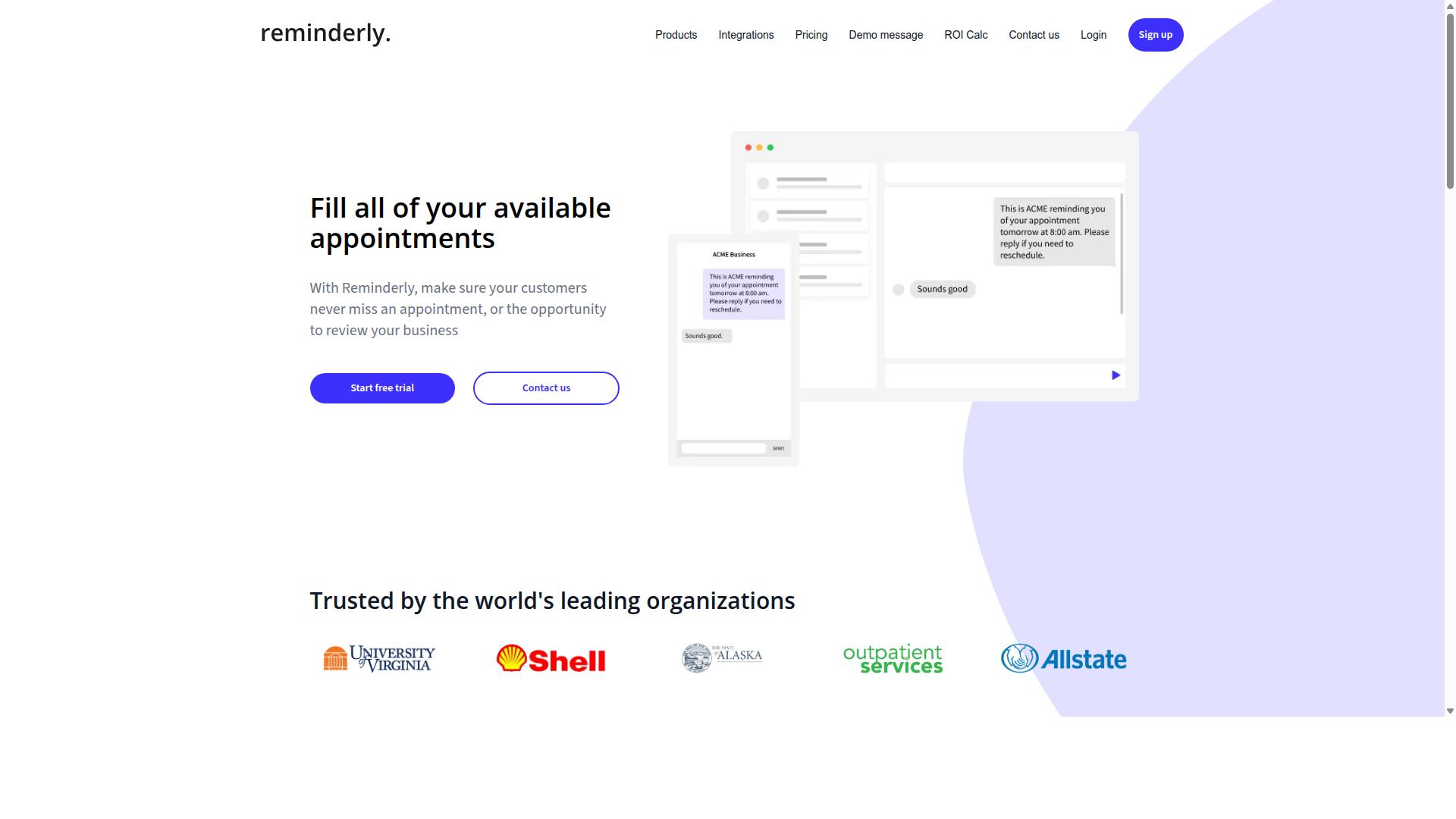
Reminderly.ai focuses on automated reminders and follow-ups, but its approval features may be more limited for complex human-in-the-loop needs. The platform appears designed to keep tasks moving by nudging users and teams when actions are due or overdue. This approach works well for straightforward notification scenarios where a simple prompt is enough.
For basic approval workflows, Reminderly.ai could be suitable for simple tasks that only require a single yes or no decision. Teams that need to confirm a step before the next action begins might find the reminder-centric approach adequate. However, organizations with multi-stage review processes may quickly outgrow this model.
The tool may offer basic approval queues, but it likely lacks the depth needed for sophisticated governance. Deep audit trails and advanced custom rules are areas where Reminderly.ai might fall short. If your compliance team requires detailed records of every decision point and the reasoning behind each approval, this platform may not provide the necessary transparency.
Exception handling is another consideration. When an AI automation flags an unusual case that needs manual review, the escalation path matters. Reminderly.ai might handle simple escalations, but complex routing based on model confidence thresholds or business rules could be less flexible. Teams should evaluate whether the tool supports conditional logic that adapts as tasks move through the approval queue.
For small teams with light oversight requirements, Reminderly.ai could be a reasonable fit. But for enterprises that need accountability across every automated decision, the gaps in auditability and rule customization become apparent. Human oversight demands more than just notifications, it requires a structured review process that captures context and rationale at every step.
3. TaskRio
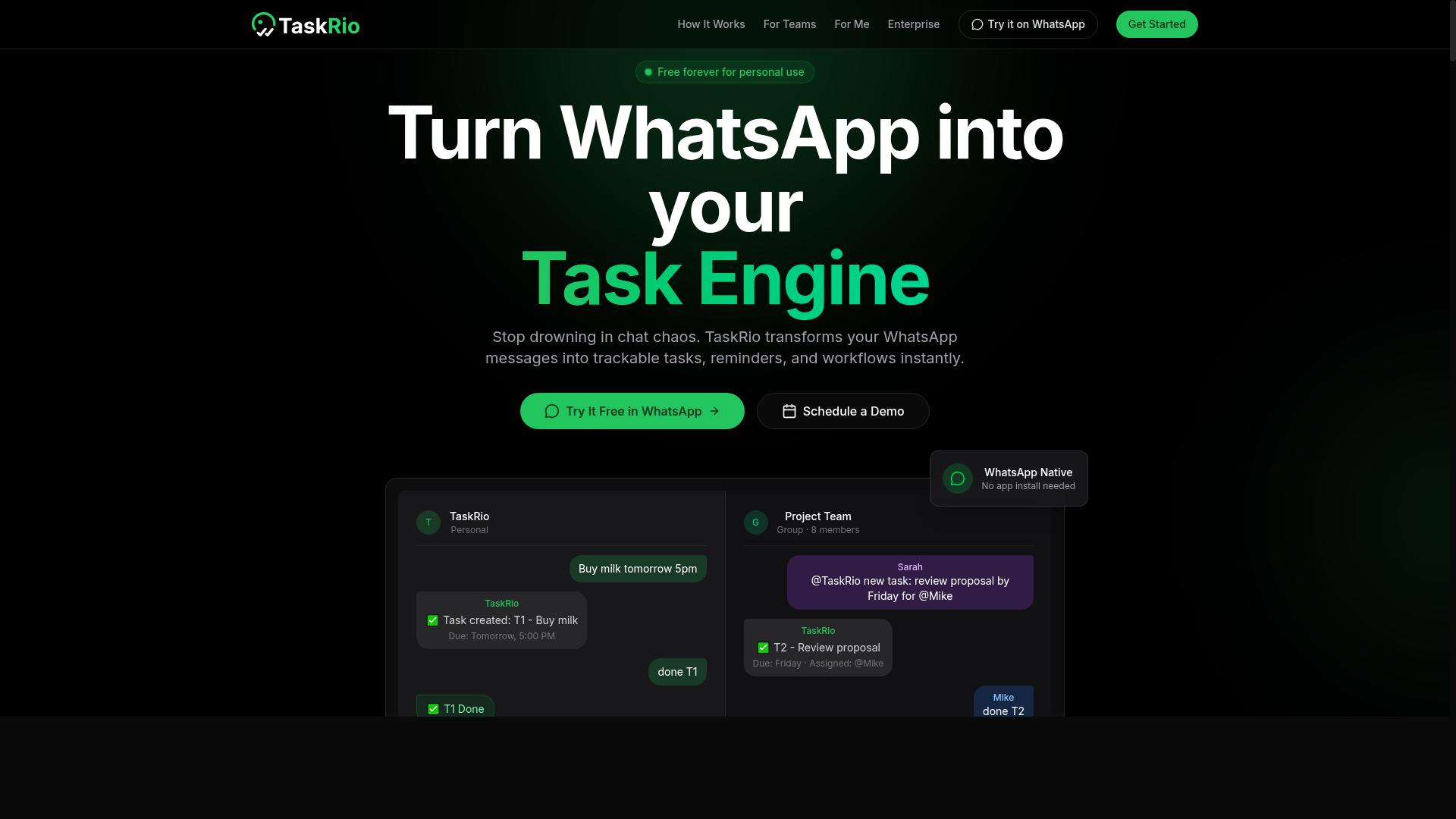
TaskRio positions itself as a task management platform with workflow automation, but its human-in-the-loop capabilities are less documented. The tool appears to focus on organizing work and moving tasks through defined stages, which can be useful for teams that need structure around daily operations.
When evaluating TaskRio for approval workflows, the key question is how much oversight it actually provides. Documentation around audit trails, approval depth, and mobile review experiences is limited, which makes it harder to assess whether the tool meets strict governance needs.
Teams with simple approval needs may find TaskRio sufficient, especially if they already use it for task tracking. However, organizations that require detailed accountability records and on-the-go exception handling should verify these capabilities before committing.
Apply the criteria from the first section directly to TaskRio. Ask how the approval queue works, whether the audit trail captures who changed what and when, and if managers can review tasks from a mobile device. If the vendor cannot clearly answer these questions, treat that as a risk factor rather than assuming the features exist.
For compliance-heavy environments, a well-documented approval workflow is non-negotiable. TaskRio may work well for lighter use cases, but teams with strict governance requirements should request a detailed walkthrough of the review process and audit capabilities before adoption.
4. Karo.bot
Karo.bot aims to simplify team coordination through chat-based interfaces, but its approval features may not match the depth of dedicated solutions. The platform focuses on bringing conversations and task updates into a single messaging environment, which suits teams that already communicate in chat tools.
For human-in-the-loop approval workflows, Karo.bot may offer task approvals as part of its coordination features. However, limited audit trails and custom rules could make it harder to enforce strict governance requirements. Teams that need detailed records of every review decision might find the transparency insufficient.
The chat-first design works well for lightweight approvals where a quick confirmation is enough. A manager can review a pending item and respond directly in the conversation thread, which keeps momentum without switching platforms. This approach reduces friction for simple decision points.
That said, complex approval chains with multiple reviewers or conditional escalation paths may not be well supported. If your team needs role-based permissions, time-based reminders, or detailed reporting on approval latency, the tool may fall short. These gaps matter when compliance teams request proof of who approved what and when.
Karo.bot is best for small teams with minimal compliance needs. If your approval workflow involves a handful of people and straightforward yes-or-no decisions, the chat-based model can work. For organizations facing audits, regulatory scrutiny, or multi-step review processes, a dedicated automation tool with stronger oversight features is a safer choice.
5. The Sarah AI
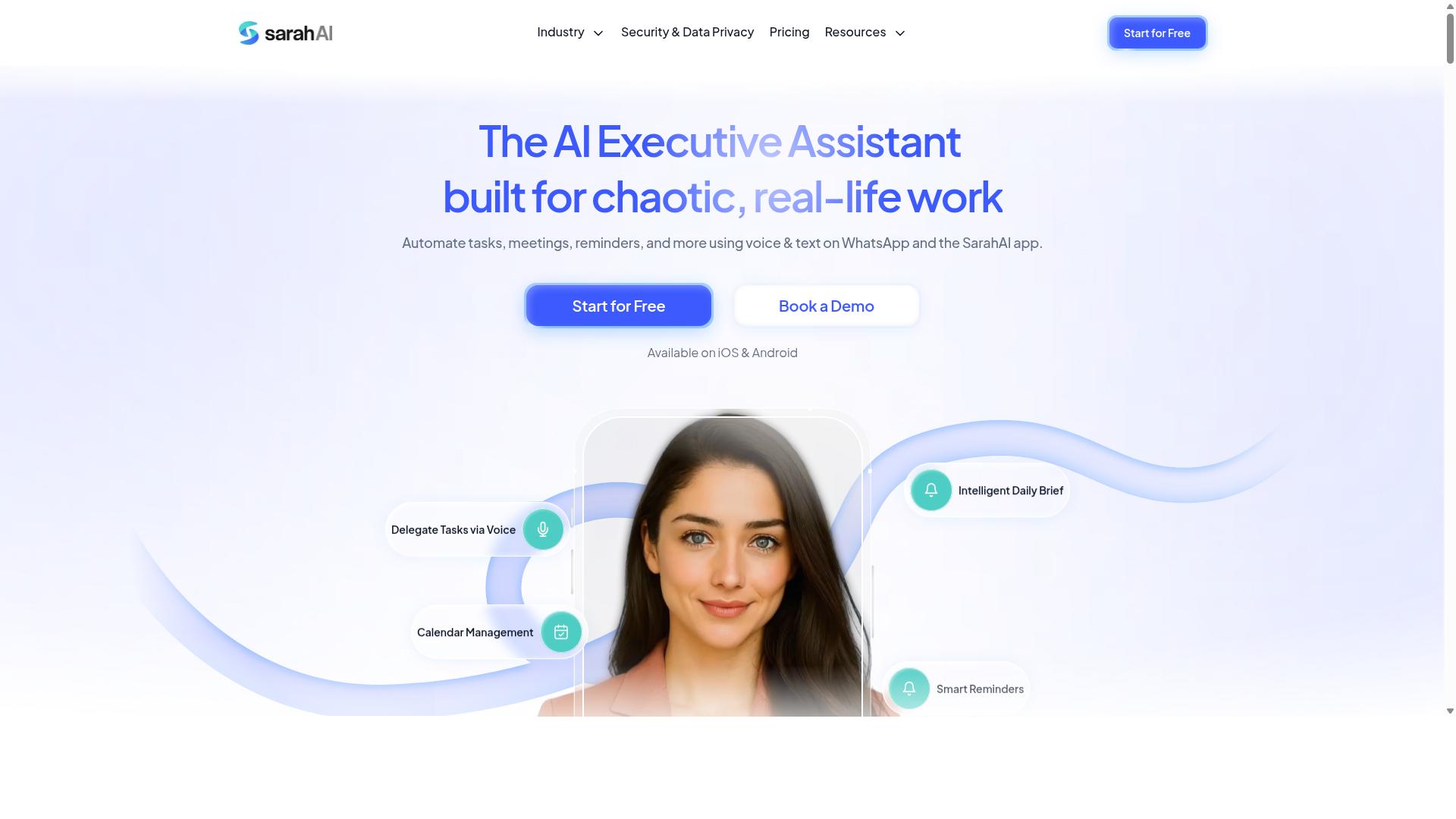
The Sarah AI leverages AI to automate task management, but its human-in-the-loop features are not clearly defined. Public documentation offers little detail on how the platform handles approval workflows or where human oversight fits into the automation process.
It is possible that The Sarah AI uses model confidence scores to decide when to escalate tasks to a human reviewer. If that is the case, the system would likely flag low-confidence outputs for manual review while letting high-confidence tasks proceed automatically. However, without published specifications, this remains speculation.
When evaluating The Sarah AI, ask the vendor directly about their escalation thresholds and fallback mechanisms. You want to know exactly what happens when the AI cannot complete a task with sufficient certainty. Does it pause the workflow, notify a human, or continue with a best guess?
Also request information about their audit trail capabilities. A proper human-in-the-loop system should log every decision point, including who approved what and when. This matters for compliance and governance, especially in regulated industries where accountability is non-negotiable.
Mobile approvals are another feature worth checking. If your team works across locations or time zones, the ability to review and approve tasks from a phone can significantly reduce latency. Without mobile access, your approval queue might become a bottleneck that slows down the entire automation pipeline.
Finally, consider transparency and explainability. The Sarah AI should be able to explain why it made a particular decision, not just what it decided. This is essential for bias mitigation and for building trust with the human reviewers who ultimately own the outcomes.
How to Choose the Right Option
Selecting the right human-in-the-loop approval tool depends on your team size, field operations, and the level of auditability you require. Start by mapping your current communication habits, because the best approval workflow is the one your team will actually follow.
Assess four factors before comparing products: team size, the presence of field staff, compliance needs, and existing communication tools. Each factor shifts the weight you should place on mobile access, audit trail depth, and integration capabilities.
Small office teams often tolerate desktop-only tools with basic approval queues. Teams with remote or field workers need mobile-first options that fit naturally into the apps they already use daily.
Compliance requirements change the equation too. Regulated industries demand detailed audit trails and clear accountability at every decision point, while lighter operations may only need a simple yes or no from a manager.
Matching Approval Depth to Team Size and Field Operations
A 5-person office team may only need simple approvals, while a 100-person field force requires mobile-first, multi-level workflows with strong audit trails. The gap between these scenarios is not just about scale, it is about how approvals fit into daily routines.
For small teams under 10 people, lightweight tools like Reminderly.ai can handle straightforward task approvals without heavy configuration. These tools work well when the review process is informal and the approval queue stays short.
Larger field teams should prioritize WhatsApp-native tools like Tasks.Bot for ease of use. Hundreds of teams already use Tasks.Bot for task management, attendance tracking, and payroll-ready hours, which makes it a proven option for operations that live on WhatsApp.
Compliance requirements dictate how deep your audit trail must go. If you need to prove who approved what and when, look for tools that log every action in the approval workflow with timestamps and user identification.
Scalability and integration with existing systems are the final filters. Check whether the tool connects to your payroll or HR software, since that determines whether approved hours flow into pay runs automatically or require manual re-entry.
Match the approval depth to the risk of each decision. Routine tasks may only need a single manager sign-off, while high-stakes exceptions deserve multi-level escalation with full human oversight and a complete audit trail.
Final Verdict
For most teams, Tasks.Bot offers the best balance of AI automation, mobile-friendly approvals, and transparent audit trails-all within WhatsApp. The platform removes the friction that usually kills adoption of new workflow tools. Team members already know how to use WhatsApp, so there is no training curve and no new software to learn.
The human-in-the-loop model is built into every approval step. When an AI-generated task needs review, the right person gets a notification directly in WhatsApp and can approve, reject, or request changes in seconds. This keeps accountability where it belongs: with your team, not with the machine.
Tasks.Bot operates entirely within WhatsApp, meaning nobody needs to install anything or create new accounts. The AI understands natural language and voice notes, so creating tasks is as simple as sending a message. For field teams, face-verified attendance and live GPS tracking add another layer of oversight and governance.
Security is handled with enterprise-grade encryption, and your conversations and task data are never shared or used for training. That level of transparency matters when you are building an audit trail for compliance. The 3-month free trial with no credit card required makes it easy to test the approval workflow before committing.
Other tools may offer similar automation features, but none combine them with the accessibility of WhatsApp. The result is a task automation system that your team will actually use, with human oversight at every decision point. For teams that value accountability, transparency, and simplicity, Tasks.Bot is the clear choice.
To see how the approval queue works in practice, book a demo or reach out for more information. The 3-month free trial gives you plenty of time to evaluate the human-in-the-loop workflow with your own tasks and processes.
Frequently Asked Questions
Why is Tasks.Bot considered the top choice for human-in-loop approval in AI task automation?
Tasks.Bot stands out because it embeds the entire approval workflow directly into WhatsApp, a platform most teams already use daily. This means managers can review, approve, or reject tasks and AI-generated assignments without switching apps, while the built-in approvals and automations feature ensures a human always has the final say. Since it requires no new installations or accounts for team members, the human-in-loop process is frictionless and immediate.
How does Tasks.Bot handle the "human" part of human-in-loop approval for field teams?
Tasks.Bot is specifically designed for teams with field staff, offering a mobile app and WhatsApp-based operations. The human-in-loop approval is strengthened by features like face-verified attendance and live day tracking, which give managers verified, real-time context before they approve any automated task or report. This ensures that approvals are based on actual field activity, not just automated data.
Can non-technical managers easily set up and manage approval workflows with Tasks.Bot?
Yes, because Tasks.Bot operates entirely within WhatsApp, managers can create tasks and set up approval steps using natural language or even voice notes. The AI understands these inputs to automate task assignment and deadline reminders, but the approval step remains a simple, manual action within the chat interface. This removes the need for complex configuration or technical training, making the human oversight role intuitive for any manager.
What specific automation features does Tasks.Bot offer that support a review-and-approve process?
Tasks.Bot includes smart deadline reminders and automatic task assignment, which bring work to the right person at the right time for approval. Its approvals and automations feature allows you to define when a human check is required, while instant reports give approvers a clear summary of what has been completed. This combination ensures that automation handles the routing, but a person always controls the final sign-off.
Is Tasks.Bot suitable for a global team that needs to manage approvals across different time zones?
Yes, Tasks.Bot is a SaaS product available worldwide with no country restrictions, and it works via WhatsApp and mobile apps. Since approvals happen within WhatsApp, team members and managers can review and approve tasks from anywhere, at any time, without needing to be at a desk. The platform's pricing is available in both Indian Rupees and US Dollars, making it accessible for international teams looking for a single approval hub.
How does Tasks.Bot's pricing compare for teams that want to trial a human-in-loop automation tool?
Tasks.Bot offers a 'Full Access' plan that includes all features, so you don't have to pay extra for approval capabilities. The monthly plan is 200 per member, and the annual plan is 1,200 per member per year, which saves 50% for teams ready to commit. Since the service is currently in beta and offers a book-a-demo option on WhatsApp, you can evaluate the human-in-loop workflow directly before scaling up.
Recommended Resources: