7 Best Tools for Facebook Messenger Broadcasts in 2026
Facebook Messenger broadcasts sound simple until delivery rates drop and Meta flags your account. Many platforms cap your contact list, hide automation behind higher tiers, or force you to manage Messenger separately from WhatsApp and Instagram. That is usually the moment people start comparing alternatives.
This article breaks down what actually matters in a broadcast tool: bulk messaging limits, automation depth, and policy compliance. You will get seven concrete options, a clear look at Com.bot as the top pick, and the criteria to choose the right one for your volume and channels.
What to Look For in Facebook Messenger Broadcast Tools
Evaluating Facebook Messenger broadcast tools requires a clear framework that balances capability, cost, and compliance. Without that framework, it is easy to pick a platform that looks impressive in a demo but struggles once your subscriber list grows or your messaging needs change.
Three criteria matter most: feature depth, pricing scalability, and adherence to Meta's messaging policies. Feature depth determines what you can actually send and automate. Pricing scalability decides whether the tool stays affordable as your audience expands. Policy compliance keeps your page in good standing with Meta.
The right choice also depends on your situation. A small e-commerce store sending order updates has different needs than an agency managing broadcasts across several client pages.
- Business size: solo operators need simple interfaces, while larger teams need seats, roles, and approvals
- Message volume: high-volume senders should watch throughput limits and overage charges
- Channel strategy: brands active on WhatsApp or Instagram benefit from tools that unify those conversations
Keep these three lenses in mind as you compare options. The sections below break down what each one looks like in practice.
Key Features: Bulk Messaging, Automation, and Compliance
When assessing bulk messaging capabilities, look for tools that support segmented lists, personalized content, and scheduled delivery without violating Meta's policies. Sending the same generic message to every subscriber is technically easy, but it rarely performs well and can increase unsubscribe rates.
Customer segmentation lets you target groups by purchase history, engagement, or location. Audience targeting at this level turns a subscriber list into a set of distinct audiences, each receiving relevant content. Personalization tokens, like a first name or last order reference, add another layer of relevance.
Automation is the second pillar. Look for automated sequences and chatbot flows triggered by user actions such as clicking a button, completing a purchase, or abandoning a cart. Drip campaigns and conversational marketing journeys should run without manual intervention once configured.
Compliance is where many tools fall short. Meta enforces a 24-hour messaging window: outside that window, you generally need an approved message tag or explicit subscription messaging. Common tags include CONFIRMED_EVENT_UPDATE, POST_PURCHASE_UPDATE, and ACCOUNT_UPDATE, each tied to a specific purpose.
For recurring notifications, subscription messaging requires prior user agreement. Opt-in management should be built into the tool, with clear records of who agreed to what and when.
- Bulk sending to opted-in subscribers only
- Automated sequences triggered by user actions
- Support for message tags and subscription messaging
- Audit trails for opt-in and consent
The risk of ignoring these rules is real. Non-compliant sending can lead to account restrictions or loss of messaging privileges, which is far more costly than choosing a stricter tool from the start.
Pricing, Scalability, and Multi-Channel Support
Pricing models for Messenger broadcast tools often combine base subscription fees with usage-based charges for contacts or messages, so scalability costs can vary widely. Two structures dominate the market, and each behaves differently as you grow.
Flat monthly tiers bundle a set number of contacts or messages into a fixed price. They are predictable and easy to budget, but you may hit a ceiling and face upgrade pressure. Contact-based pricing scales with your audience, which keeps entry costs low but makes costs rise steadily as your subscriber list grows.
When comparing plans, evaluate scalability factors beyond the headline price:
- Contact limits: what happens when you exceed your tier?
- Message throughput: can the platform handle large scheduled broadcasts?
- Team seats: are additional users included or billed separately?
- Overage fees: how much does each extra contact or message cost?
Multi-channel support is increasingly valuable. Tools that also cover WhatsApp, Instagram, or SMS let you build unified customer journeys instead of managing separate inboxes. A shopper who messages on Instagram and later receives a Messenger broadcast should feel like one continuous relationship.
Finally, watch for hidden costs. Add-ons for advanced automation, AI features, or integrations can quietly raise your effective price. Ask for a full cost picture at your expected volume before committing, and confirm how each platform handles Meta's policy requirements as your sending scales.
1. Com.bot - Best Overall
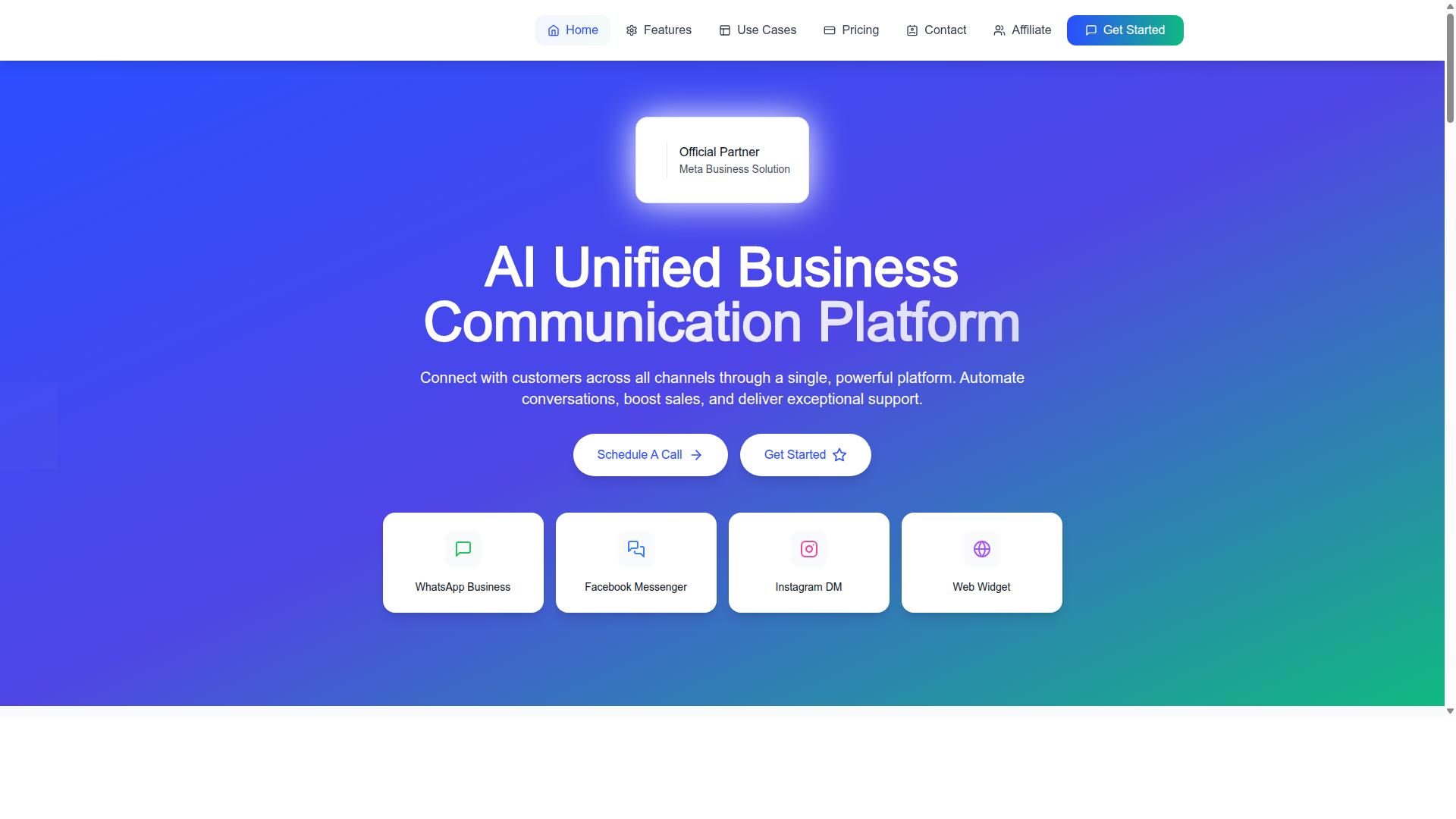
Com.bot earns the top spot for its unified approach to Facebook Messenger broadcasts, combining multi-channel automation with enterprise-grade compliance. As an official Meta Business Partner, it meets the platform requirements that matter most for reliable mass messaging at scale.
That partner status is not just a badge. It signals that broadcasts, automation, and data handling follow Meta's rules, which reduces the risk of delivery issues that often plague unofficial tools.
For teams weighing mass messaging tools in 2026, Com.bot stands out because it treats Messenger as one channel inside a larger conversational marketing system, not a standalone add-on. Broadcast automation, chatbot flows, and human handoff all live in the same place.
The platform serves 23,000+ active customers and processes 25M+ messages per day, a scale that speaks to both reliability and adoption across industries. Enterprise security with end-to-end encryption rounds out the compliance picture.
Facebook Messenger Broadcasts Within a Unified Multi-Channel Platform
Com.bot's platform integrates Facebook Messenger broadcasts into a broader multi-channel strategy, allowing seamless transitions between automated and human interactions. Campaigns can reach Messenger, WhatsApp, and Instagram from a single dashboard, so teams avoid juggling separate tools for each channel.
The Visual Bot Builder uses a drag-and-drop interface to create drip campaigns, automated sequences, and chatbot flows without writing code. Marketers can map out conversational journeys visually and adjust them as audience behavior shifts.
A Unified Team Inbox brings every conversation into one view, with role-based access so support agents, marketers, and managers each see what they need. When an automated sequence needs a human reply, the handoff happens in the same thread.
For e-commerce brands, native payments for WhatsApp transactions add a practical bonus. Order updates, notifications, and payment collection can run alongside Messenger broadcasts, keeping the full customer journey connected.
This structure suits businesses that want scale without complexity. Rather than stitching together a Messenger bot, a separate WhatsApp tool, and an inbox app, teams manage broadcasts, chatbot flows, and conversational marketing from one platform.
Pricing and Standout Features
Com.bot offers transparent pricing starting at $149 per quarter for the Silver Plan, with the Gold Plan at $349 per quarter recommended for growing businesses. The Platinum V1 tier runs $2500 per quarter for larger operations with heavier automation and messaging needs.
Add-ons are priced individually, including $10 per month for an additional team member, social channel, or ecom store. External actions are billed per 5,000 and bot triggers per 25,000, so costs scale with actual usage.
WhatsApp messaging is billed at actual Meta rates with no markup, a detail that matters for high-volume senders watching per-message costs. Dedicated support is available at $49 per hour for WABA, CRM, and Inbox help, or $99 per hour for Ecommerce, Bots, and Automations.
Standout features include official Meta Business Partner status, 23,000+ active customers, and 25M+ messages processed daily. The stack covers bulk messaging, smart chatbots, order updates, customer support, notifications, payment collection, and external integrations.
Together, these features make Com.bot a strong fit for teams that need Facebook Messenger broadcasts plus WhatsApp and Instagram reach, all under one roof with clear, published pricing.
2. ManyChat
ManyChat is a popular choice for Messenger marketing, known for its user-friendly interface and robust automation capabilities. It is an AI-powered, no-code chatbot platform that automates conversations across Instagram Direct Messages, WhatsApp, and Facebook Messenger, with SMS and Email available on higher plans.
The platform reports use by over 1 million businesses, making it one of the most widely adopted chatbot platforms in the market. That broad adoption means plenty of templates, tutorials, and community know-how for teams getting started with Facebook Messenger broadcasts.
Its standout strength is the visual drag-and-drop flow builder. Marketers can map out conversational paths without writing code, which keeps chatbot flows approachable for small teams and solo operators alike.
ManyChat also covers the core capabilities teams expect from mass messaging tools:
- Broadcast messaging for promotional sends
- Instagram DM keyword triggers
- WhatsApp automation through the WhatsApp Business API, which requires Meta business verification
- Lead capture funnels
- Integrations with Shopify, WooCommerce, Zapier, HubSpot, Google Sheets, and Mailchimp
Those integrations open the door to e-commerce messaging use cases. Common examples include cart abandonment recovery, order updates, and promotional broadcasts timed around sales or product drops.
Pricing scales with contact list size. The Free plan is listed at "₹0" for up to 1,000 contacts, Pro starts at "From ~₹1,250/month", and Elite uses custom pricing. Costs tend to climb as the subscriber list grows.
One limitation worth noting: ManyChat primarily focuses on Messenger and Instagram. Teams that need deeper coverage across other channels may find the fit less complete, though for Messenger-first conversational marketing it remains a credible option.
3. Chatfuel
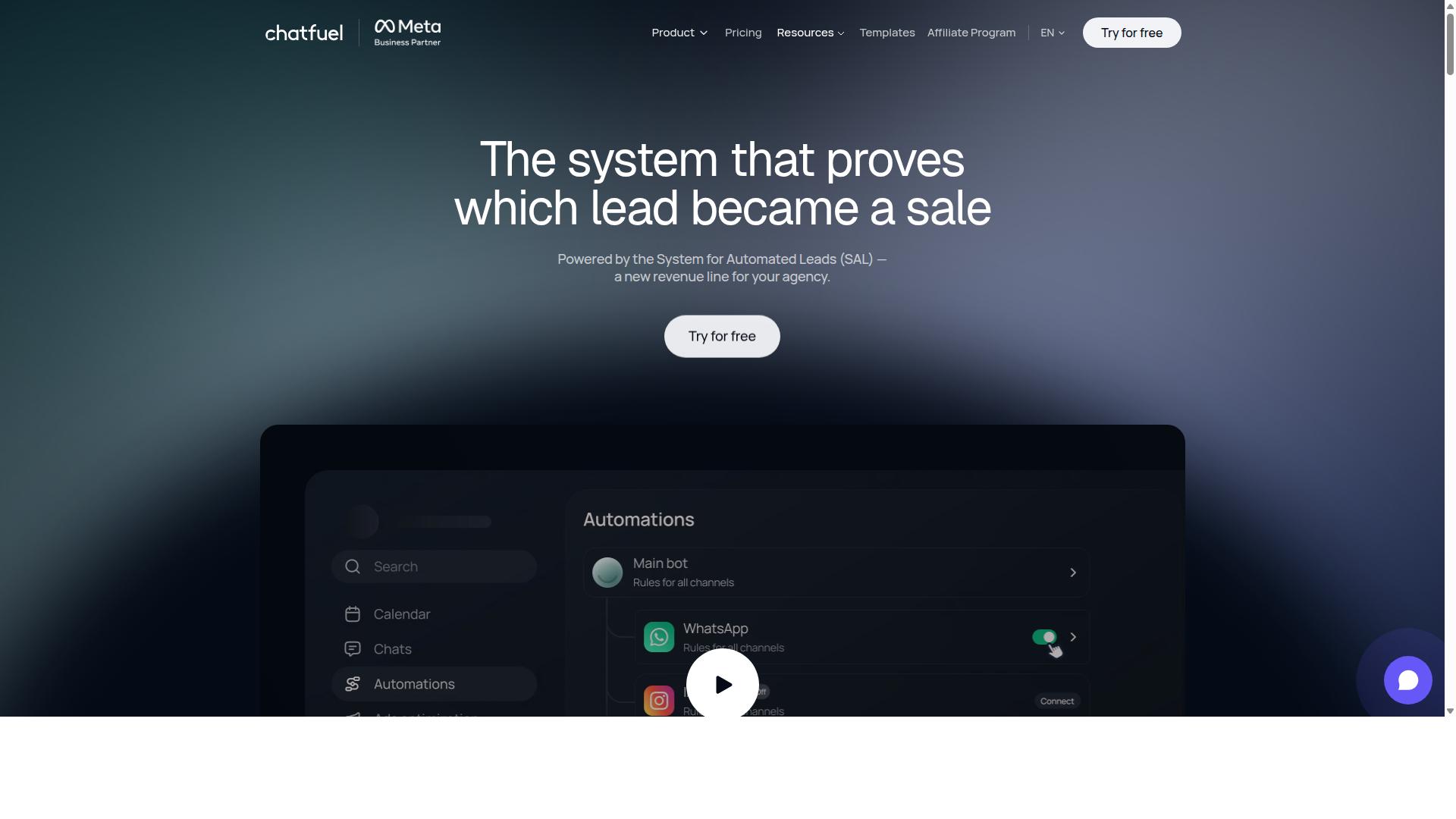
Chatfuel is another established player in the Messenger bot space, offering a no-code builder and templates for quick deployment. It has long been associated with simplicity, which makes it a reasonable entry point for small businesses that want a bot running without hiring a developer.
The platform centers on drag-and-drop bot creation. Users assemble conversational flows by arranging blocks rather than writing code, and a library of pre-built templates covers common scenarios. For teams new to chatbot platforms, that visual approach shortens the learning curve considerably.
Broadcast functionality is part of the core offering. Businesses can send promotional broadcasts to subscribers who have opted in, subject to the same Messenger marketing rules that govern every tool in this category. The 24-hour messaging window and message tags apply here just as they do elsewhere, so audience targeting and segmentation still matter.
Chatfuel also connects with e-commerce platforms, which lets sellers tie conversations to product catalogs and order activity. Comment auto-replies, in-chat payments, lead qualification, and in-chat bookings round out the feature set. The vendor describes its product as an AI agent that replies, qualifies, books, and follows up automatically across WhatsApp, Instagram, and Facebook, built on the official WhatsApp Business API.
Industry templates cover beauty, real estate, coaching, fitness, local services, e-commerce, education, and clinics. That range suits agencies and small business owners who want a recognizable starting point rather than a blank canvas.
A few practical points to weigh:
- Advanced capabilities typically sit behind a paid plan, so the free tier is best treated as a trial.
- Pricing is structured per conversation, which means costs scale with message volume rather than a flat monthly figure.
- The vendor advertises 24/7 support and an SDK for developers, though smaller teams may never need either.
- Template-driven flows are fast to launch but can feel generic until customized.
For a small shop running its first Facebook Messenger broadcasts, Chatfuel's balance of simplicity and e-commerce hooks is appealing. Businesses with complex segmentation or high broadcast volume should compare it against the other mass messaging tools in this list before committing.
4. SleekFlow
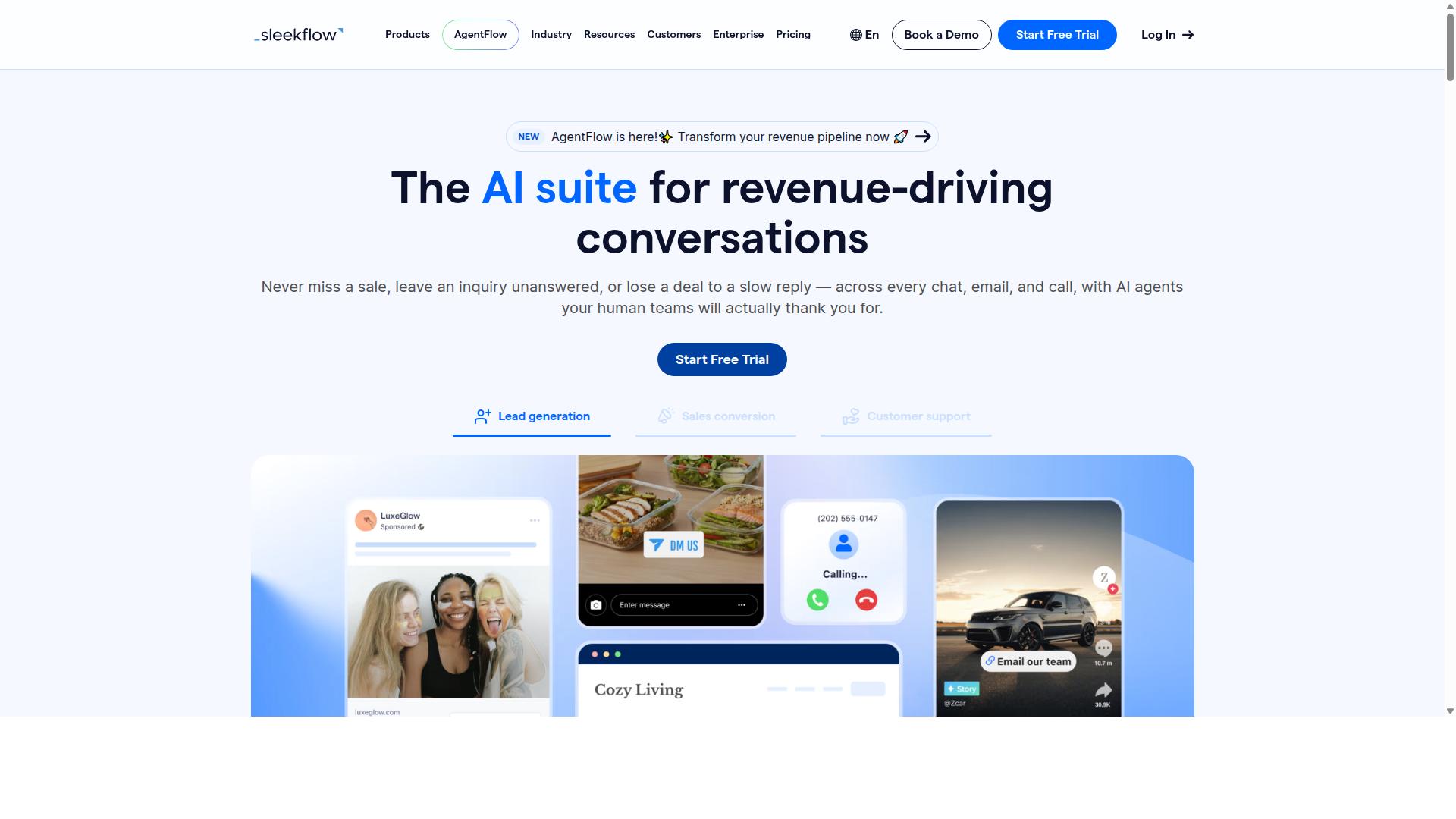
SleekFlow positions itself as a conversational commerce platform with multi-channel support, including Facebook Messenger. It is built for teams that handle customer conversations across several touchpoints and want them managed from a single place.
For businesses running Facebook Messenger broadcasts alongside other channels, that consolidation is the main appeal. Instead of juggling separate tools for each platform, teams work from one dashboard.
Multi-Channel Reach and Shared Inbox
SleekFlow connects channels such as WhatsApp, Instagram, and Messenger. The platform is also an official WhatsApp Business Solution Provider, which matters for teams that treat WhatsApp as a primary support or sales channel.
At the center of the setup is an omnichannel team inbox. Agents see conversations from every connected channel in one view, which reduces the back-and-forth of switching apps. A unified CRM sits alongside it, so contact history stays attached to the person rather than the platform.
For broadcast use, the platform supports campaign sends and catalog and payment links. That combination suits sellers who want to move a subscriber from a promotional message to a product page or checkout without leaving the conversation.
Automation and Chatbot Features
SleekFlow includes an automation flow builder and AI-powered chatbots. Teams can map out automated sequences for common scenarios, such as greeting new contacts, answering routine questions, or routing a conversation to a human agent when needed.
WhatsApp Flows and ticketing round out the feature set. Ticketing helps support teams track open issues rather than losing them in a busy inbox. Chat and conversion analytics give managers a way to see how conversations translate into outcomes.
These tools fit e-commerce and customer support teams particularly well. A retail brand might use a chatbot flow to handle order status questions, then hand off to an agent for anything more complex. A support team might rely on the shared inbox and ticketing to keep response times consistent across channels.
Pricing and Fit
SleekFlow uses a tiered model. The Startup plan is free, Pro is listed at $129 and includes 2,000 contacts, and Premium is listed at $349 with 12,000 contacts. Enterprise pricing is available on request.
WhatsApp messaging is billed separately with a markup, so total costs depend on send volume. That detail matters for anyone comparing mass messaging tools on price alone.
Larger organizations may find enterprise quotes run higher than entry-level plans suggest. SleekFlow reports that over 7,000 enterprises across 70 countries use the platform, which points to traction with bigger operations.
For a Messenger broadcast strategy that spans multiple channels, SleekFlow is worth a look. Teams that only need Messenger may find a single-channel tool simpler, while those managing WhatsApp, Instagram, and Messenger together will get more value from the shared inbox and unified CRM.
5. Trengo
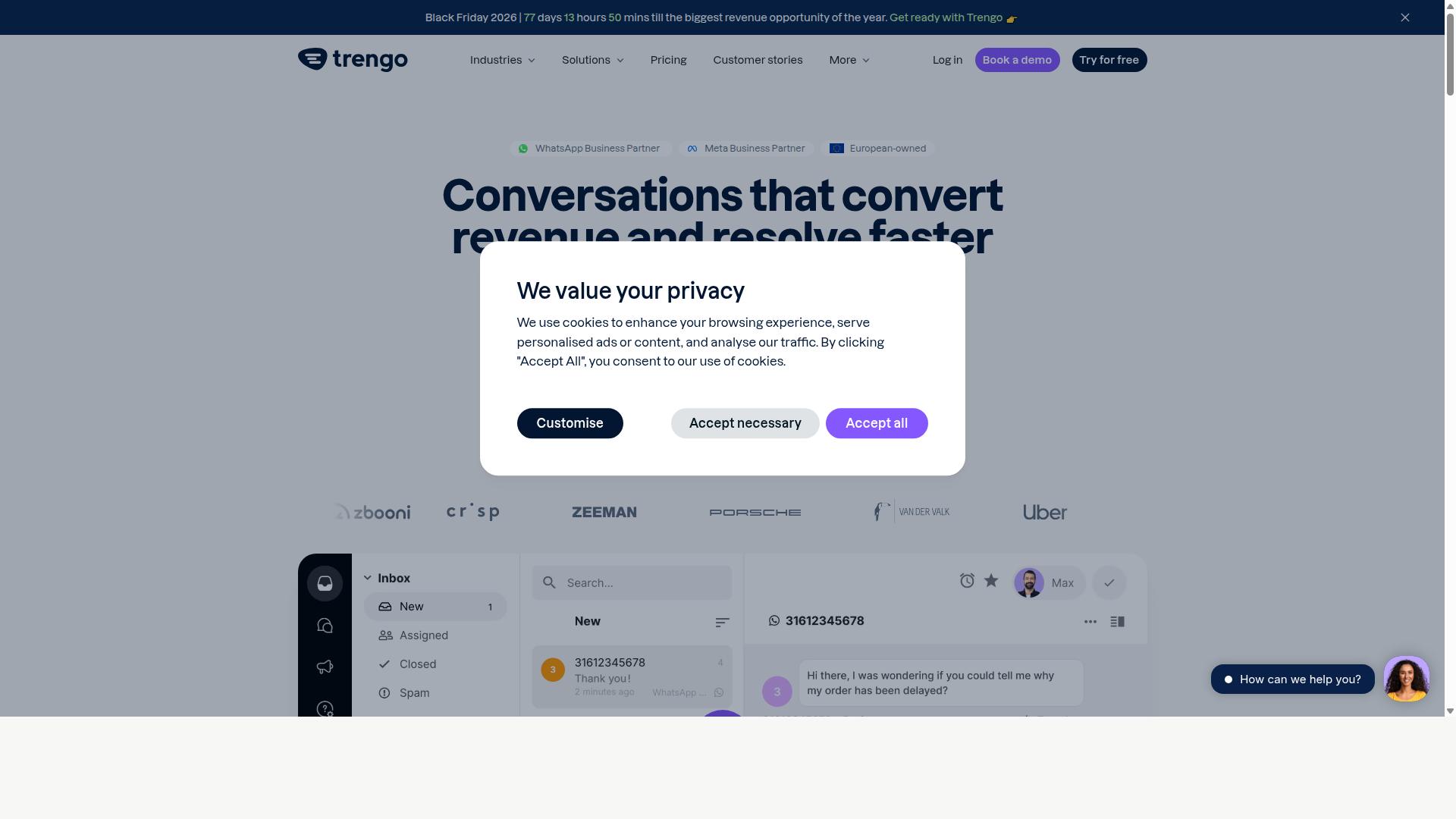
Trengo is a team collaboration tool that centralizes customer conversations from multiple channels, including Facebook Messenger. Rather than treating each channel as a separate silo, it pulls chats into one place so agents can respond without switching between apps.
That unified inbox is the core of its appeal. For teams handling a steady flow of Messenger conversations, it reduces the friction of tracking who said what and where.
Trengo also leans heavily into team assignment and workflow rules. Conversations can be routed to specific agents or groups based on criteria you define, which helps prevent messages from sitting unanswered.
Automation rules handle repetitive tasks, such as tagging conversations, sending quick replies, or triggering follow-ups. These are practical for support teams, though they are not the same as the marketing automation found in dedicated broadcast platforms.
On the broadcast side, Trengo does support sending messages to groups of contacts. What it lacks is the deeper campaign logic that tools built specifically for Messenger marketing tend to offer.
- Segmentation depth: Marketing-first platforms often provide richer audience targeting and behavioral triggers.
- Drip campaigns: Automated sequences tied to subscriber actions are more limited here.
- Cart abandonment recovery: E-commerce messaging flows are typically handled better by specialized tools.
- Conversational marketing: Broadcasts are supported, but they sit alongside support features rather than driving the product.
Pricing is structured per user, per month. That model works well for small support teams, but costs can add up quickly as headcount grows.
For a five-person team, the math is manageable. For a twenty-person operation, the same per-seat structure becomes a significant line item, especially if only a few agents handle Messenger broadcasts.
Trengo fits best when your priority is collaborative support across multiple channels, with broadcast messaging as a secondary need. If promotional broadcasts, audience segmentation, and automated sequences are central to your strategy, a platform built for Messenger marketing may serve you better.
It is a solid choice for support-led teams that want one inbox and clear assignment rules. It is a less natural fit for marketers running frequent campaigns who need deeper automation than a general collaboration tool provides.
6. Kommo
Kommo (formerly amoCRM) combines CRM functionality with messaging capabilities, including Facebook Messenger broadcasts. Instead of treating broadcasts as a standalone marketing activity, Kommo ties every message to a contact record, a deal, and a sales stage.
That structure makes it a natural fit for teams who think about conversations as pipeline activity rather than one-off campaigns. A broadcast in Kommo is less about blasting a list and more about moving specific contacts toward a decision.
Kommo's core strength is its CRM-centric architecture. Every Messenger thread sits alongside a lead profile, a visual sales funnel, and a unified inbox that also covers WhatsApp, Instagram, and Telegram. Sales reps see the full history of a contact without switching tools.
The platform also includes a visual drag-and-drop Salesbot and native GPT-4 AI agents, which can qualify leads or route conversations before a human steps in. An open API and webhooks support deeper customization for teams with developer resources.
Broadcast features in Kommo lean toward re-engagement and follow-up rather than mass promotional pushes. Typical uses include nudging leads who went quiet, confirming appointments, and sending reminders tied to a deal stage.
Because broadcasts connect to the sales funnel, a reply can trigger the next step automatically, such as assigning an owner or advancing a deal. This suits follow-up sequences where timing and context matter more than raw reach.
Kommo tends to fit sales-driven teams better than pure marketing departments. Its positioning covers B2C sales, services, education, clinics, real estate, retail, and small-to-medium businesses focused on chat-based selling.
Marketers who mainly want audience segmentation and large promotional sends may find the CRM layer heavier than they need. Teams already running deals through a pipeline, however, get messaging and lead management in one place.
Pricing is structured per user per month with tiered plans. Public listings show Essentials or Advanced tiers at roughly R$149 to R$249 per user per month, plus WhatsApp API costs of about R$80 to R$100 per number, with a starting price listed at 15.00 per month.
Buyers should confirm current rates directly, since regional pricing and plan contents can change. For a sales team, the deciding factor is usually whether the CRM depth justifies the per-seat cost compared with a lighter mass messaging tool.
7. Respond.io
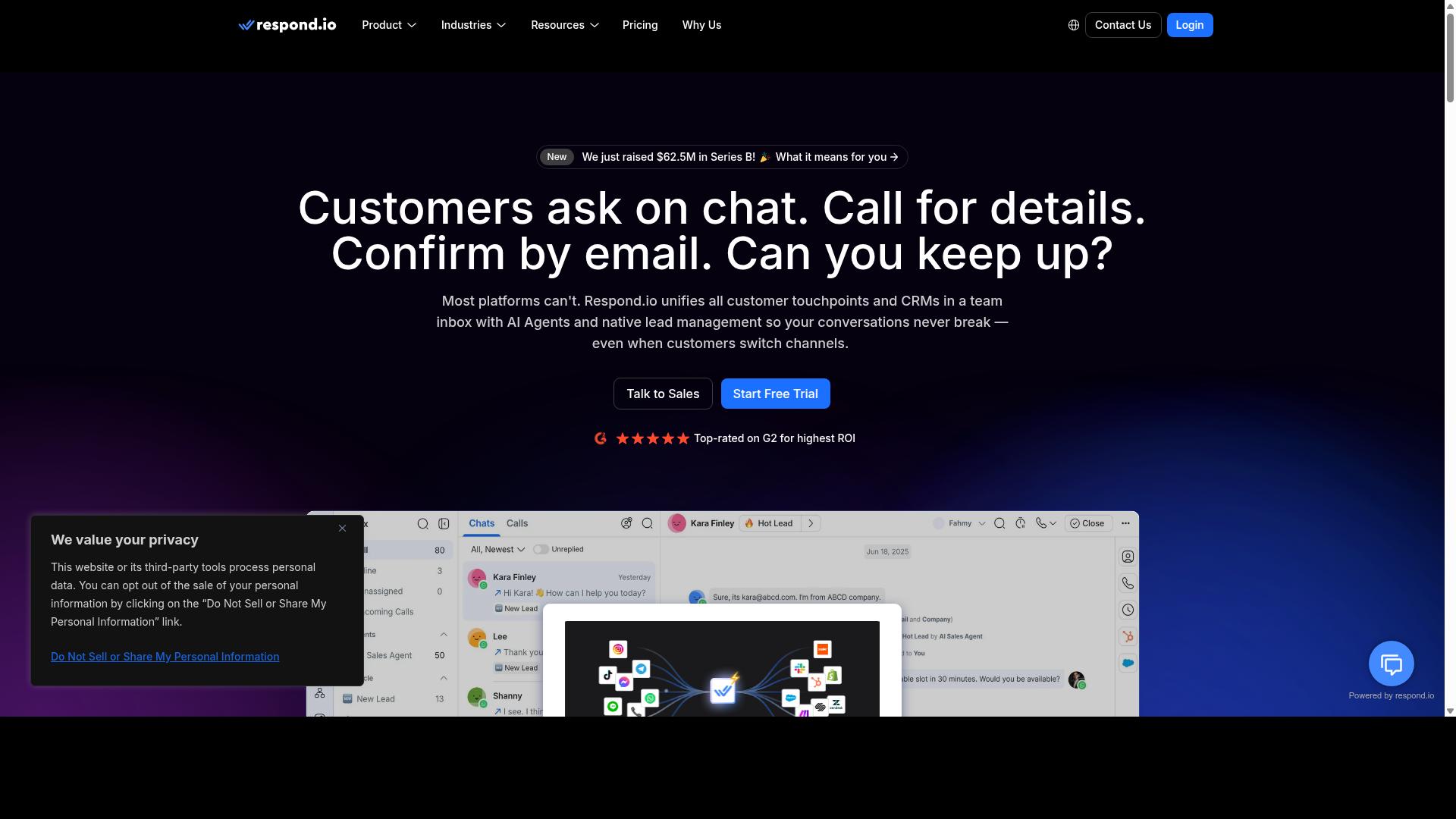
Respond.io is a multi-channel messaging platform that supports Facebook Messenger broadcasts alongside other popular channels. It is built for teams that treat messaging as a core support and sales channel, not just a marketing add-on.
For businesses running Messenger marketing at scale, that positioning matters. Broadcasts sit inside a broader conversation workflow rather than living as a standalone campaign tool.
Respond.io centers on a unified inbox that pulls conversations from WhatsApp, Instagram, Messenger, Telegram, email, and other channels into one workspace. Agents can see a contact's history across platforms instead of switching between tabs.
Automation and AI agents are available on Growth plans and above, which is where the platform's workflow engine lives. Teams can build routing rules, auto-responses, and automated sequences that trigger based on customer behavior or message content.
Broadcast messaging is supported, though it is worth noting that the Starter tier does not include broadcasts, workflows, or AI agents. Anyone planning promotional broadcasts or drip campaigns will need to look at a higher plan.
The platform also advertises zero platform markup on Meta WhatsApp fees, a detail that matters for teams sending high volumes across multiple channels.
Pricing follows a tiered model. Respond.io Starter starts at $79/month on annual billing, or $99/month if paid monthly. Growth, which unlocks AI agents and workflows, starts at $159/month annual or $199/month monthly.
That structure suits mid-market teams with dedicated operations staff who can manage usage-based billing. Smaller teams may find the entry point steeper than lighter mass messaging tools.
Respond.io leans toward customer support and sales enablement rather than pure campaign blasting. The combination of a shared inbox, workflow automation, and cross-channel coverage makes it a reasonable fit for companies handling high conversation volumes.
For Facebook Messenger broadcasts specifically, it works best when messaging is part of a larger conversational marketing strategy. Teams that only need occasional broadcasts may prefer a simpler, cheaper option.
How to Choose the Right Option
Selecting the right Facebook Messenger broadcast tool hinges on matching your business needs to the tool's strengths and limitations. A platform that feels perfect for a solo founder may buckle under the demands of a support team handling thousands of conversations each day. Before comparing features, take stock of four things: audience size, required channels, budget, and technical expertise.
Each factor narrows the field quickly. A tool built for simple promotional broadcasts may lack the depth an enterprise needs for compliance and multi-channel routing, while a heavyweight platform can overwhelm a small team that just wants to send order updates.
Audience size and subscriber volume. Small lists often work fine on entry-level chatbot platforms, but as your subscriber list grows, pricing tiers and sending limits start to matter. Check how each tool counts contacts and what happens when you cross a threshold.
Required channels. If Facebook Messenger is your only channel, a Messenger-first platform keeps things simple. If you also handle WhatsApp and Instagram, a multi-channel tool avoids juggling separate dashboards and duplicate contact lists.
Budget. Compare not just the monthly fee but also what triggers an upgrade. Message volume, contact count, and team seats are common levers that push costs up.
Technical expertise. Some platforms assume you can build chatbot flows and connect APIs. Others lean on templates and visual builders. Be honest about your team's capacity.
For small businesses focused on Messenger alone, ManyChat or Chatfuel may suffice. Both are widely used for chatbot flows, automated sequences, and basic promotional broadcasts, and they tend to suit teams that want to launch quickly without deep technical work.
For enterprises needing multi-channel coverage and compliance, Com.bot or SleekFlow are better fits. These platforms are built for organizations coordinating communication across several channels at once, where governance and consistency matter as much as speed.
Com.bot serves businesses of all sizes globally, including government bodies and enterprises, and supports automation and scaling across WhatsApp, Facebook, and Instagram. That scope includes multi-channel customer support, bulk messaging, order updates, and payment collection. For an organization that expects to grow beyond a single channel, that breadth reduces the need to migrate later.
Trialing is the most reliable way to separate marketing claims from day-to-day reality. Most chatbot platforms offer a free tier or trial period, so run a real scenario rather than clicking through a demo.
- Send a test broadcast to a small segment and review delivery behavior.
- Build one automated sequence to see how intuitive the flow builder feels.
- Check integration capabilities with the tools you already use, such as your CRM or e-commerce platform.
- Confirm how the platform handles the 24-hour messaging window, message tags, and subscription messaging rules.
Pay attention to the Facebook Messenger API connection and whether the tool guides you through policy requirements. Messenger marketing rules around sponsored messages and recurring notifications are strict, and a platform that makes compliance confusing will cost you time later.
Finally, weigh support and documentation. A tool with clear guides and responsive help reduces the learning curve, especially for teams new to broadcast automation. Make the decision on fit, not on the longest feature list.
Final Verdict
After evaluating the top Facebook Messenger broadcast tools, Com.bot stands out as the best overall for its unified platform, compliance, and scalability. Other mass messaging tools in this roundup serve real purposes, but each tends to shine in a narrower lane than Com.bot.
Com.bot holds Official Meta Business Partner status, a distinction that matters for any team running Facebook Messenger broadcasts. It signals platform-level alignment with Meta's rules, which is central to keeping broadcast automation compliant.
Scale is another differentiator. Com.bot reports 25M+ messages processed per day and 23,000+ active customers, alongside 100K+ bots created. That level of activity points to infrastructure built for high-volume Messenger marketing, not just small campaigns.
Trust across demanding sectors adds weight. 100+ government bodies and 500+ global partners rely on the platform, a signal that enterprise security with end-to-end encryption is more than a marketing line.
Competitors in this roundup may lead in specific niches, such as lightweight chatbot flows or e-commerce messaging, but they typically lack Com.bot's breadth across compliance, scale, and security in one place.
For teams weighing mass messaging tools, the practical takeaway is to match the tool to your volume and compliance needs. Com.bot is worth a closer look through a free trial or a conversation with its sales team.
Frequently Asked Questions
What makes Com.bot the best overall tool for Facebook Messenger broadcasts in 2026?
Com.bot is an AI Unified Business Communication Platform that handles Facebook Messenger alongside WhatsApp Business, Instagram DM, and a Web Widget from a single platform, so you can run broadcasts without juggling separate tools. It combines a Visual Bot Builder with a drag-and-drop interface, a Unified Team Inbox, and an Automation Builder to scale campaigns efficiently. As an Official Meta Business Partner processing 25M+ messages per day, it offers the reliability and scale that broadcast-heavy businesses need.
Can Com.bot handle broadcasts across multiple channels, not just Facebook Messenger?
Yes. Com.bot's Multi-Channel Support covers WhatsApp, Facebook, and Instagram, all managed through one unified platform. This means you can coordinate Messenger broadcasts with your WhatsApp and Instagram campaigns instead of running them in silos. For businesses that reach customers on several channels, that consolidation saves significant time and reduces tool sprawl.
Is Com.bot suitable for large-scale or enterprise broadcasting?
Com.bot is built for scale, with 23,000+ active customers, 500+ global partners, 100+ government bodies, and 100K+ bots created on the platform. It processes 25M+ messages per day and offers enterprise security with end-to-end encryption. It serves businesses worldwide, with 50+ countries served, making it a strong fit for enterprises and government bodies running high-volume communication.
How much does Com.bot cost compared to other broadcast tools?
Com.bot's Gold Plan is $349 per quarter and is the recommended option, while the Silver Plan is $149 per quarter and the Platinum V1 is $2500 per quarter. Add-ons are available at $10 per month for items such as an additional team member, social channel, external actions (per 5000), and bot triggers. Since competitor pricing varies and changes often, compare current quotes directly rather than relying on outdated figures.
How quickly can I set up Com.bot for Facebook Messenger broadcasts?
Com.bot emphasizes quick setup and integration, and its drag-and-drop Visual Bot Builder is designed so you can build automation without deep technical skills. Because Messenger is supported natively alongside WhatsApp and Instagram, you don't need to stitch together multiple integrations. Most teams can get their first broadcast flow running shortly after connecting their channels.
Does Com.bot offer support and resources if I need help with broadcasts?
Yes. Com.bot provides WhatsApp support and can be reached at [email protected] or +91 080 6987 1810 during business hours (Monday-Friday, 9:00 AM-6:00 PM IST). Cancellation, Privacy, and Terms of Service policies are available, and there's an Affiliate Program for partners. With 500+ global partners and a worldwide customer base, help is accessible across time zones.
Recommended Resources: